 Panelift
A working day without the laptop
One working day, month end, with only an iPad mini. The bad bit is included.
An imagined Tuesday at a small company, not a testimonial. Everything Panelift does in it is something the app does.
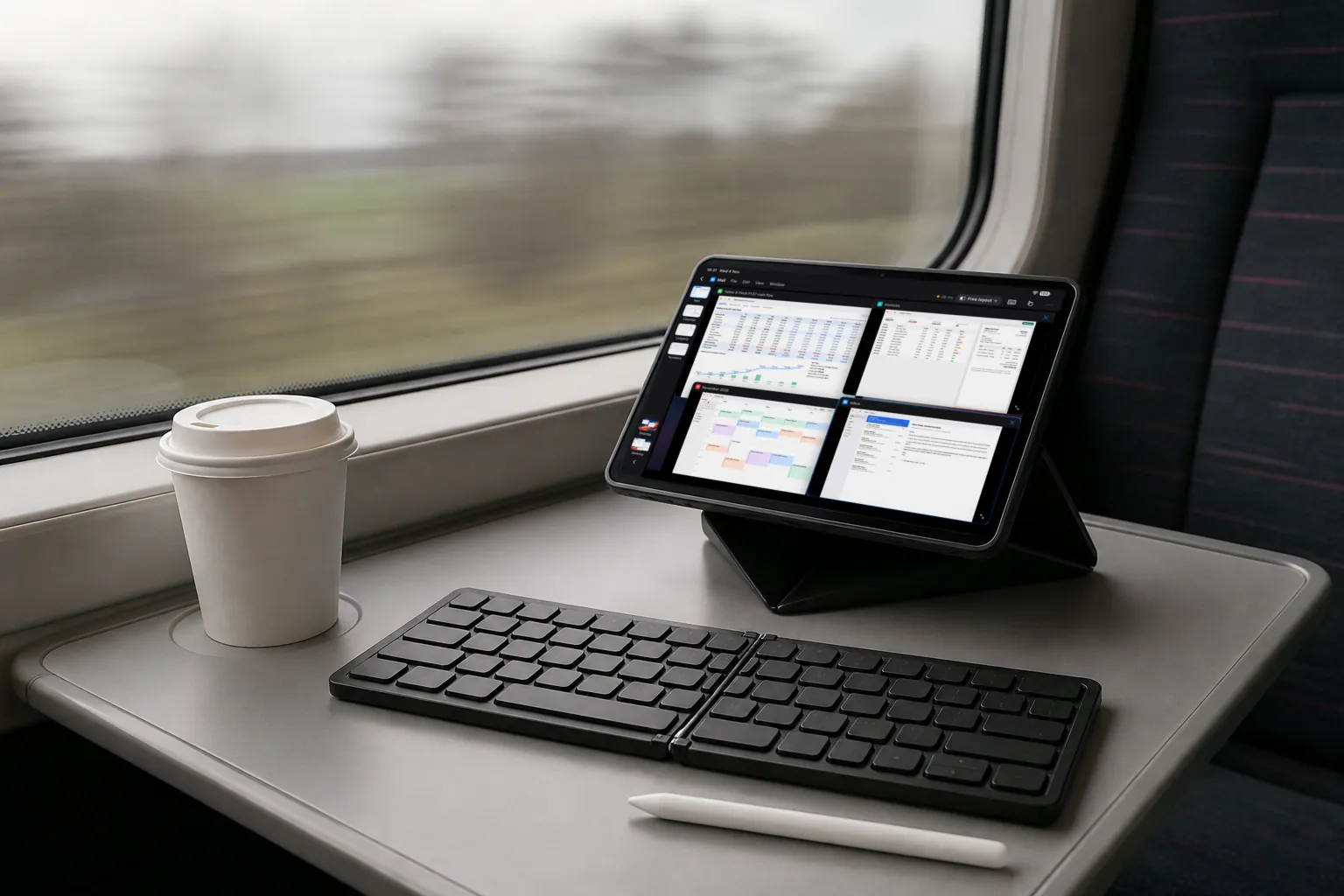
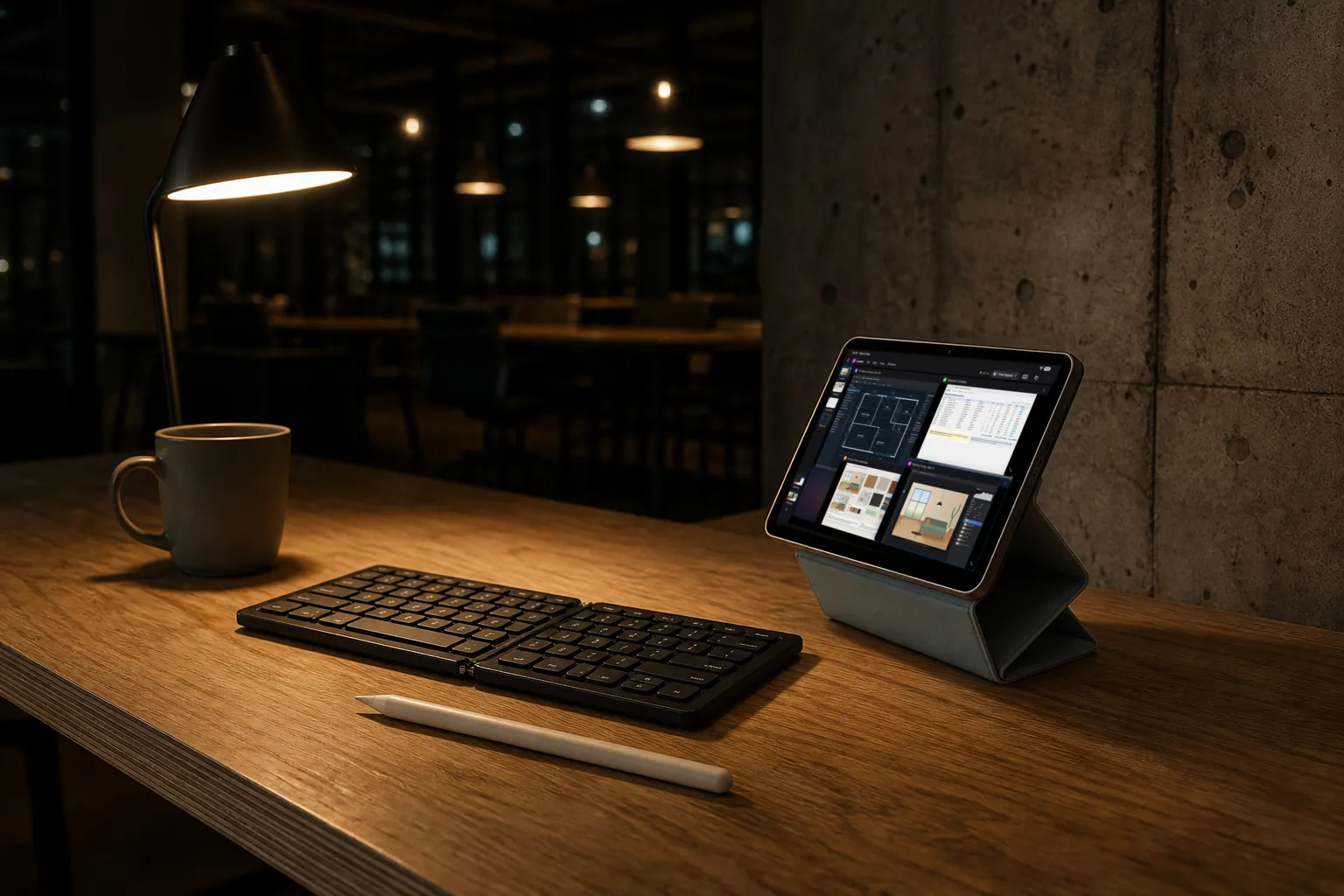
You pack an iPad mini, a foldable keyboard and a case with a stand. It takes one hand.
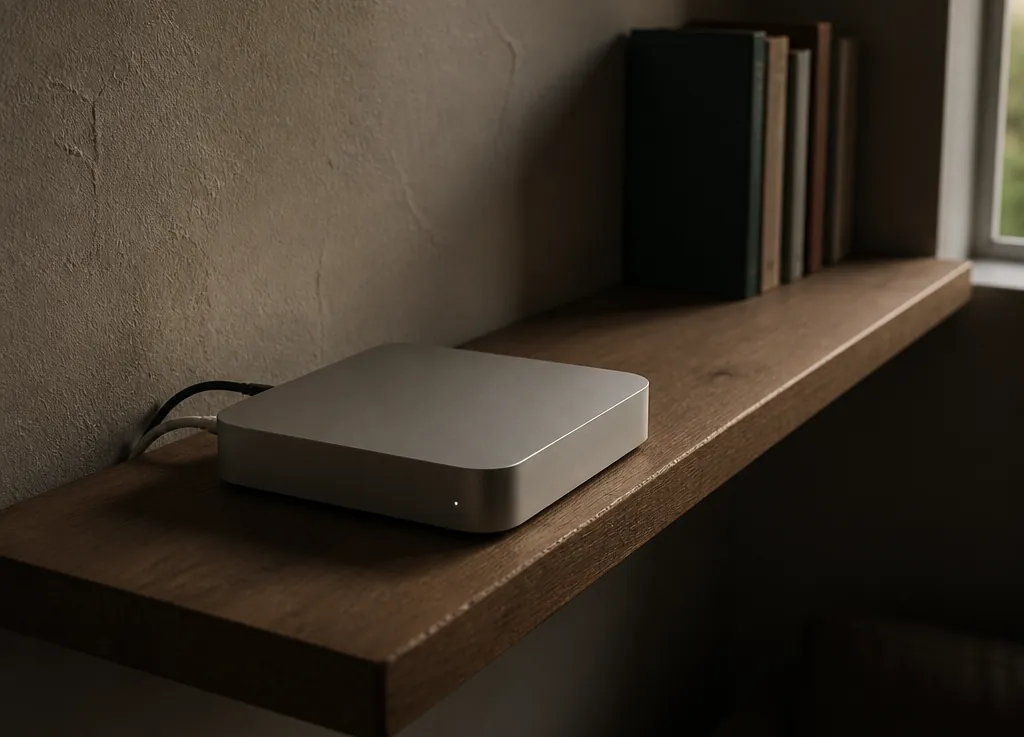
Your Mac is at home, on a shelf, awake. You left it logged in with the forecast open, because that's how you left it last night.
Where you stopped
Tray table down, stand up, keyboard open. Your phone's hotspot is on.
Panelift opens to your Mac's windows, most recent first. Last night's cash flow is at the top. You tap it and it fills the screen. You're where you stopped, because you never actually left.

A number that doesn't match
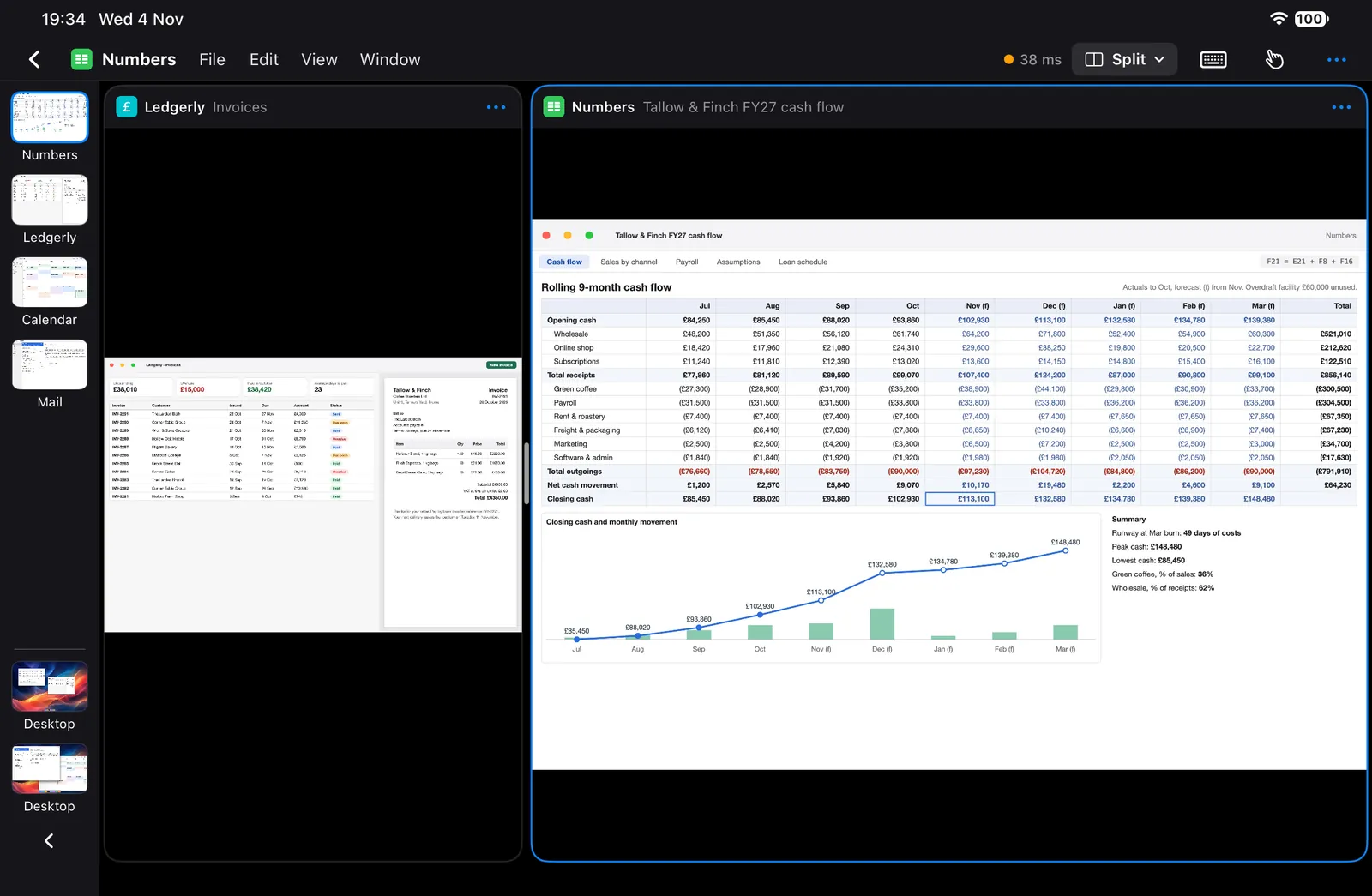
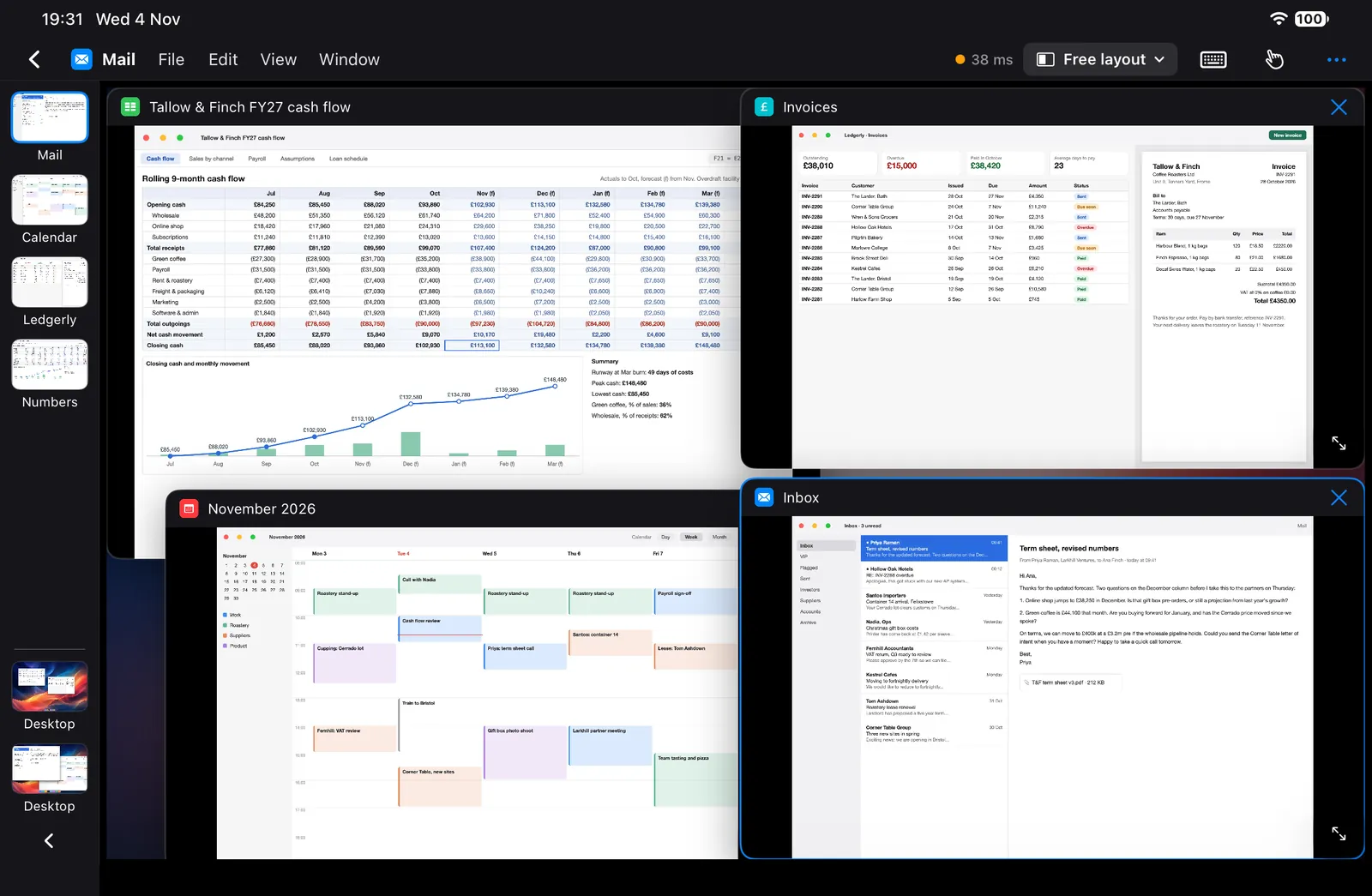
A number doesn't match an invoice. You choose Split from the layout menu, put the invoices beside the forecast, then drag the divider until the invoices are a third. The cash flow is what you're reading. The invoices are there to check against.
You start the month-end export. The Mac at home does the sums. Your battery has no idea.
"Reconnecting…"
The picture stops. The status says "Reconnecting…".
This is the bad bit. On a laptop you'd keep typing. Here, you look out of the window at a wall going past. Whatever you were typing when it dropped doesn't get saved up and replayed. You've got nothing to do but drink your coffee.
But the export's still running. It didn't go into a tunnel. Your Mac is at home with the fans on, and nothing has told it there's a problem.
The signal comes back. Panelift has been retrying the whole time. The window returns, and the export's finished.
A tunnel ends the session. It doesn't end the export.
If you'd be stuck for hours with no signal, take a laptop. Or a book. We mean it.
The round trip, in milliseconds
The Wi-Fi's better, so you switch to Smooth motion for a while. You check the round-trip in the menu strip. It's a number now, not a feeling.
You need a term from the contract in your inbox. It's already open beside the forecast. Tap it, read it, tap back.
Copy the paragraph on one side, paste it on the other. It's plain text, so it pastes plain.

Ninety seconds of Desktop
Someone asks about a spreadsheet that only exists on your second display. You open Desktop, tap the second display's tab, and zoom in on the bit they want.
Then you go back to your window. You needed Desktop for ninety seconds, and it was there for ninety seconds.
A hotel TV as a monitor
The TV has an HDMI port and you have an adapter. The window goes up on the TV and your iPhone is now the trackpad.
Hotel Wi-Fi is the one that might not work. Some networks block direct connections, and Panelift has no relay to fall back on. Your hotspot is the plan B.
You disconnect. The Mac stays where it is, still on, your windows where you left them. Leave the laptop at home tomorrow.
Three questions
Remote worker or digital nomad, it comes down to the same three.
Do you have a Mac you can leave running?
It needs power, an internet connection and nobody who minds it being unlocked. Home, an office, a relative's spare room. If you've got no such place, this isn't your setup yet.
Are you usually online?
A hotspot's fine. Being online most of the day is what matters, because without it you can't do much.
Can you live without sound and file transfer?
Panelift shows windows and sends input. Files can stay on the Mac, or travel by whatever you already use to sync them.
If that's three yeses, try it on a short trip before you try it on a long one.
Keep the laptop in the cupboard for the first trip, not on the other side of the world. That's not a legal disclaimer. It's advice.