 Panelift
iPad mini remote desktop: your whole Mac, one window at a time
Put a full desktop on an iPad mini and you get a very nice picture of something you can't read. Panelift gives the screen to one window, and has its own layouts for the mini in each direction you hold it.
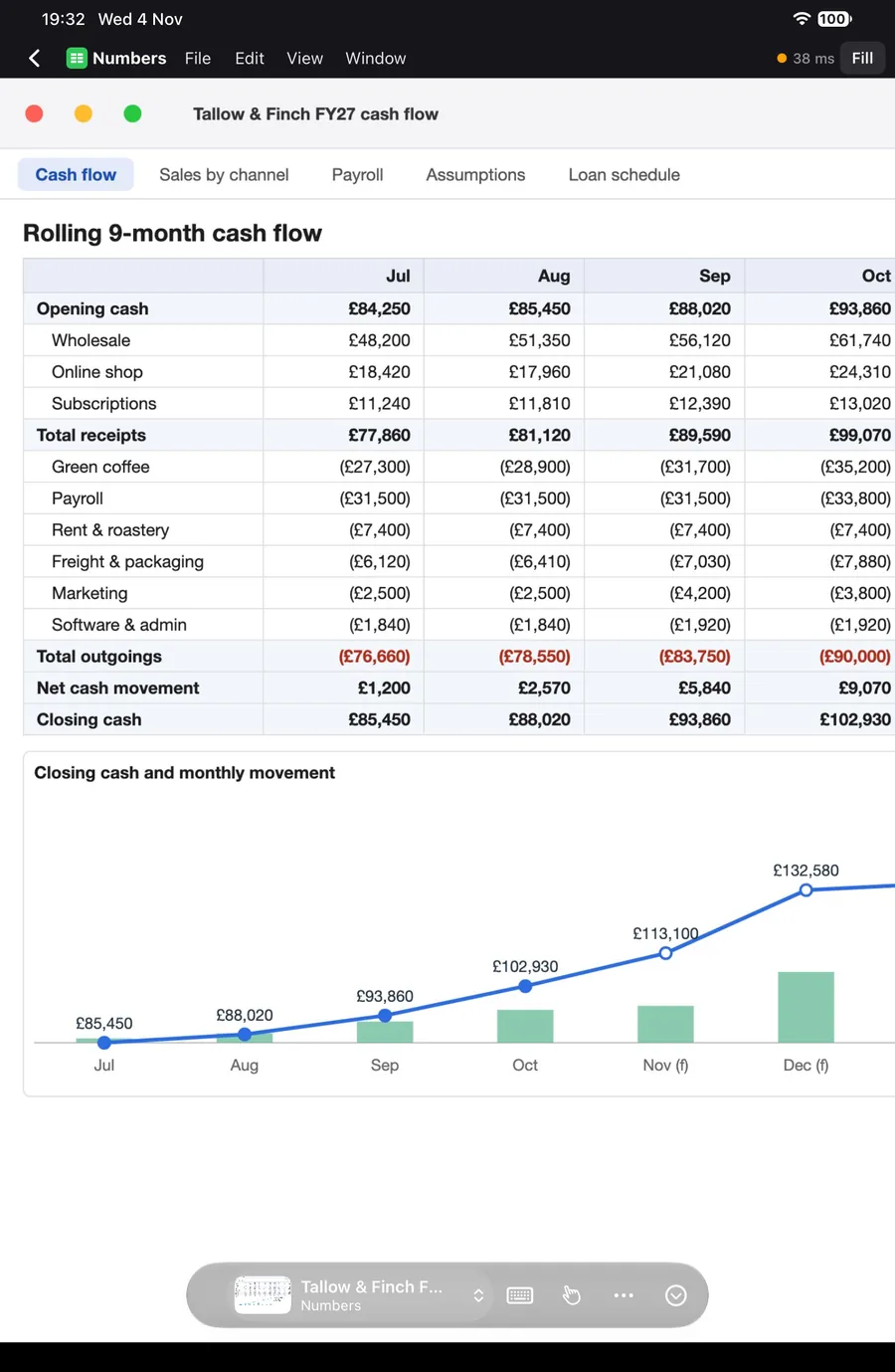
Too big to be a phone. Too small to be an iPad.
Most apps stretch the iPhone layout or shrink the iPad one. Panelift checks which you're holding and which way up, and changes.
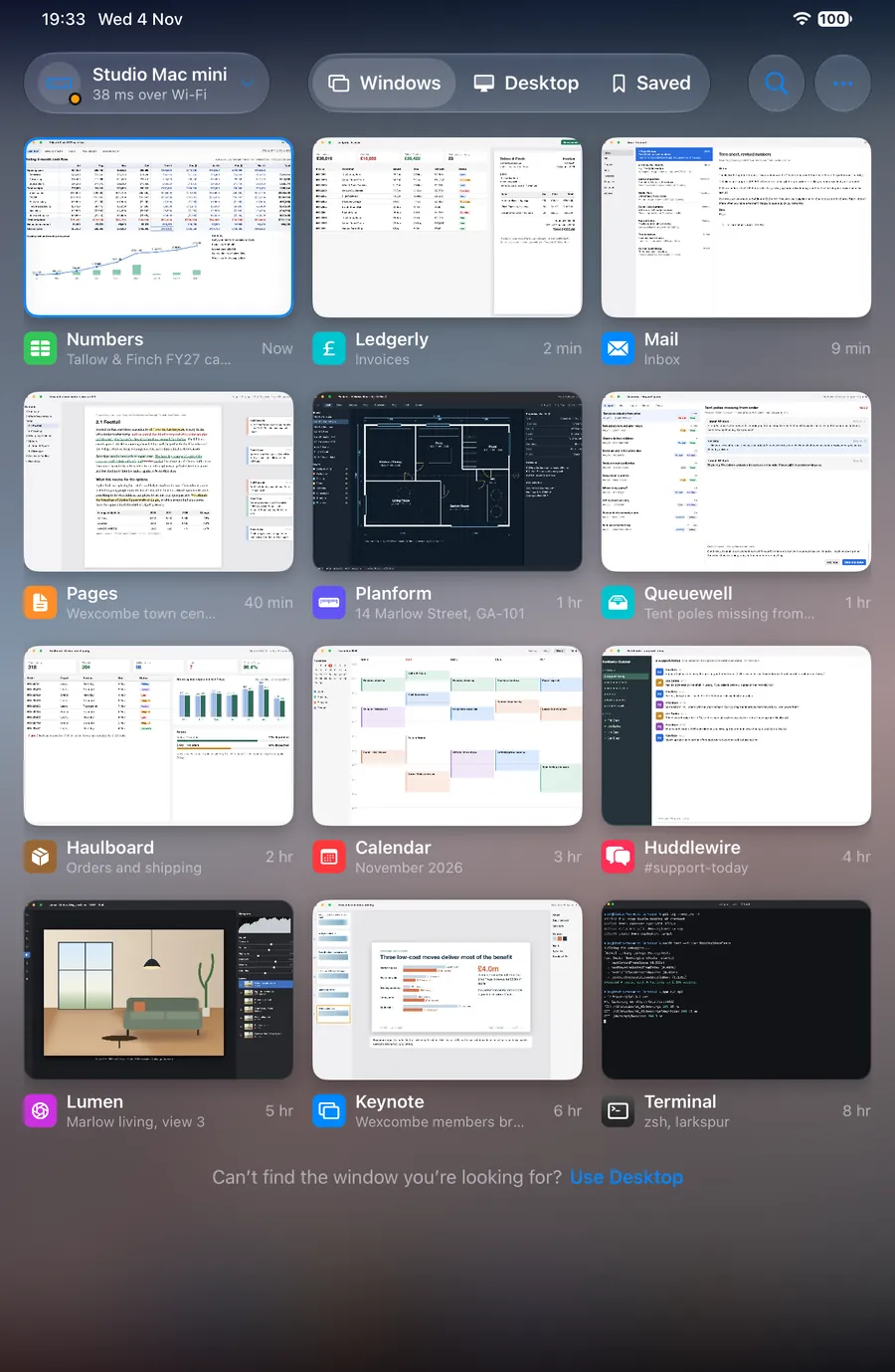
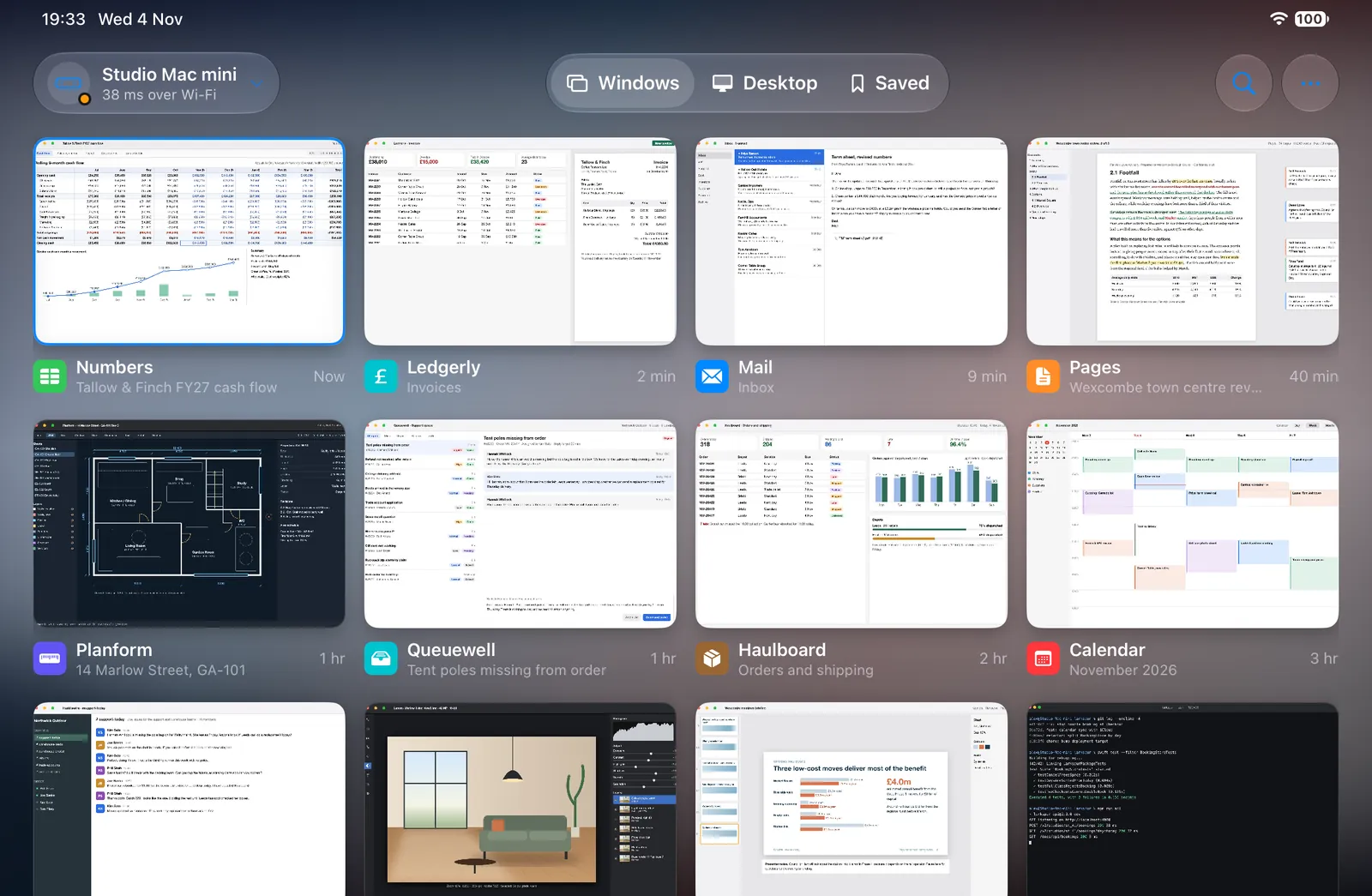
| Upright | Sideways | |
|---|---|---|
| Feels like | A big phone | A small laptop screen |
| Controls | A floating bar you can move | A top strip with the Mac app's menus |
| Switching | The window pill, or two fingers up | The window rail, or two fingers up |
| Layouts | Window, Split (stacked) | Window, Split, Free layout |
| A window opens | Zoomed to fill, from the top-left | At Fit, showing all of it |
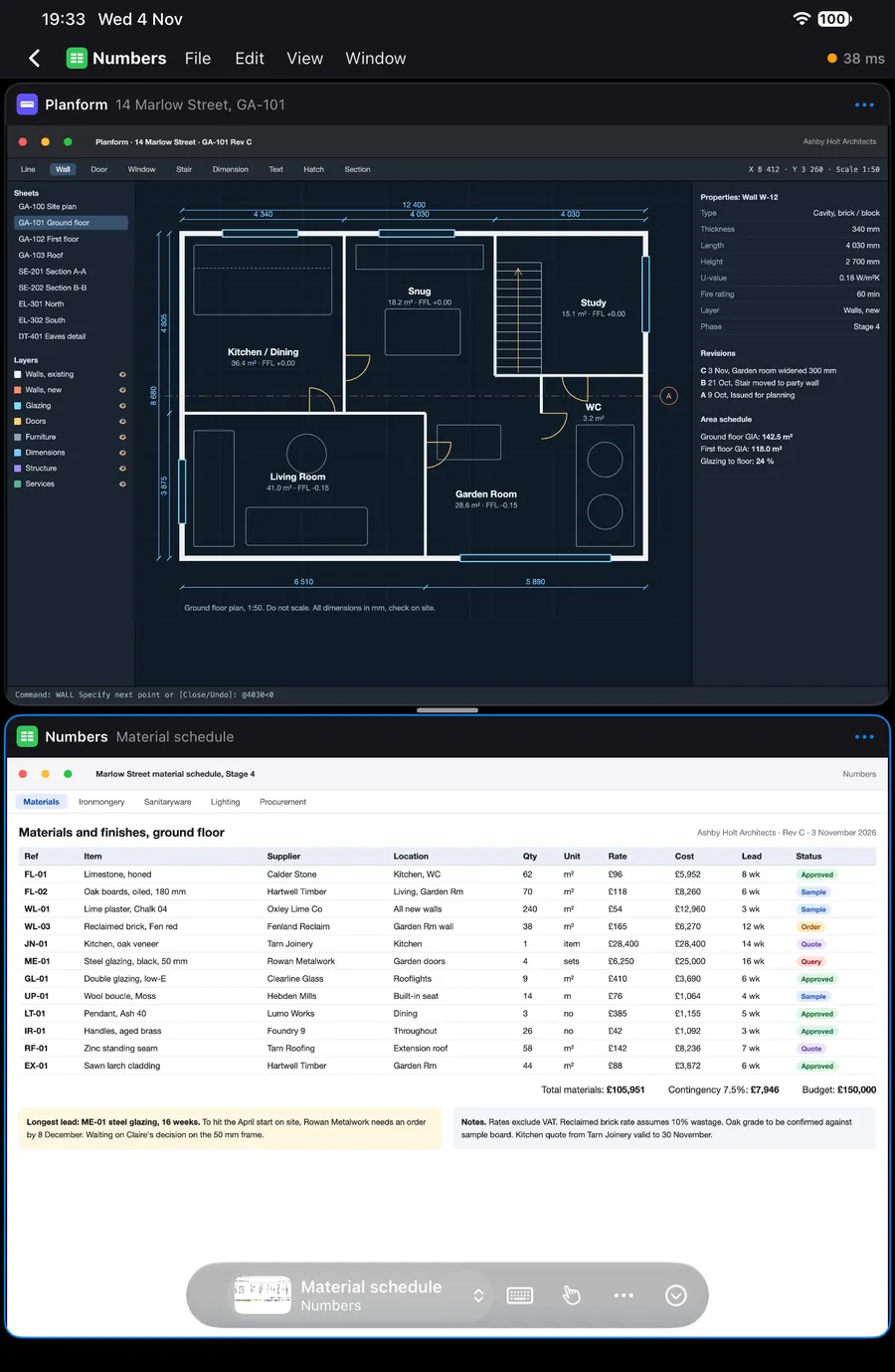
Upright, it works like a big phone
A mini held upright opens a window zoomed to fill, anchored at the top-left, where most apps keep the thing you're reading. Start at the top of the document and scroll.
The floating bar has what you need: the current window, keyboard, pointer, options. Drag it to the top or bottom. Panelift remembers the position for each app. When you're not using it, it folds into one button in the corner, and you get that bit of screen back.
Split works here too, with the two windows stacked. A plan over its schedule is a surprisingly good use of 8.3 inches.
Prop it up and get on with it
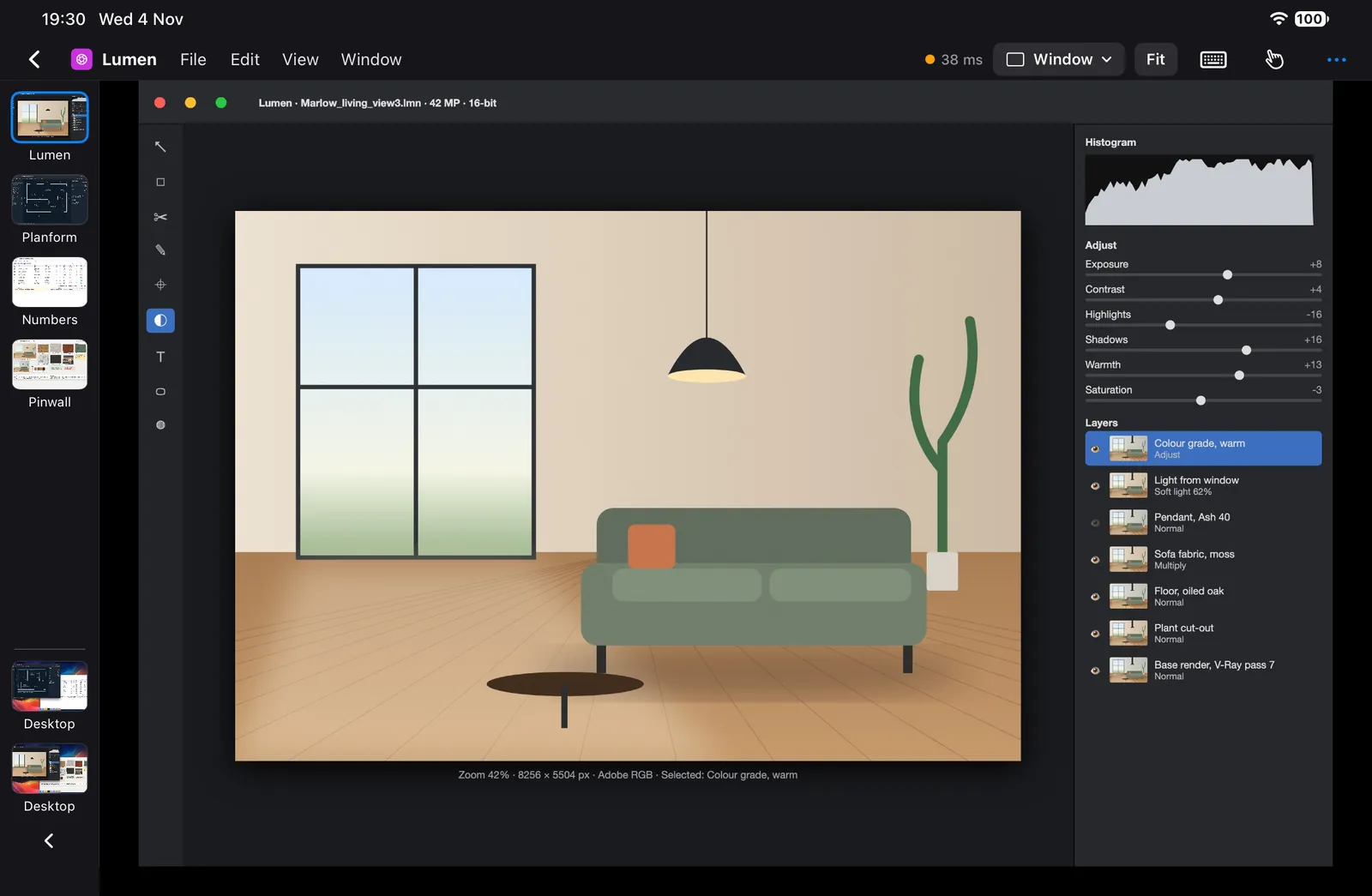
Landscape brings the window rail down the left: thumbnails of every window, displays at the bottom. Swipe it away when you need the width. Swipe it back from the edge.
Along the top, the Mac app's own menus sit in a strip. The layout menu has Window, Split and Free layout, so you can fit a few windows on.
The keyboard stops pushing your window around
On iPad and iPad mini, the keys float over the session. The window stays where it is and stays the same size when they appear. They're out of your way again in one tap.
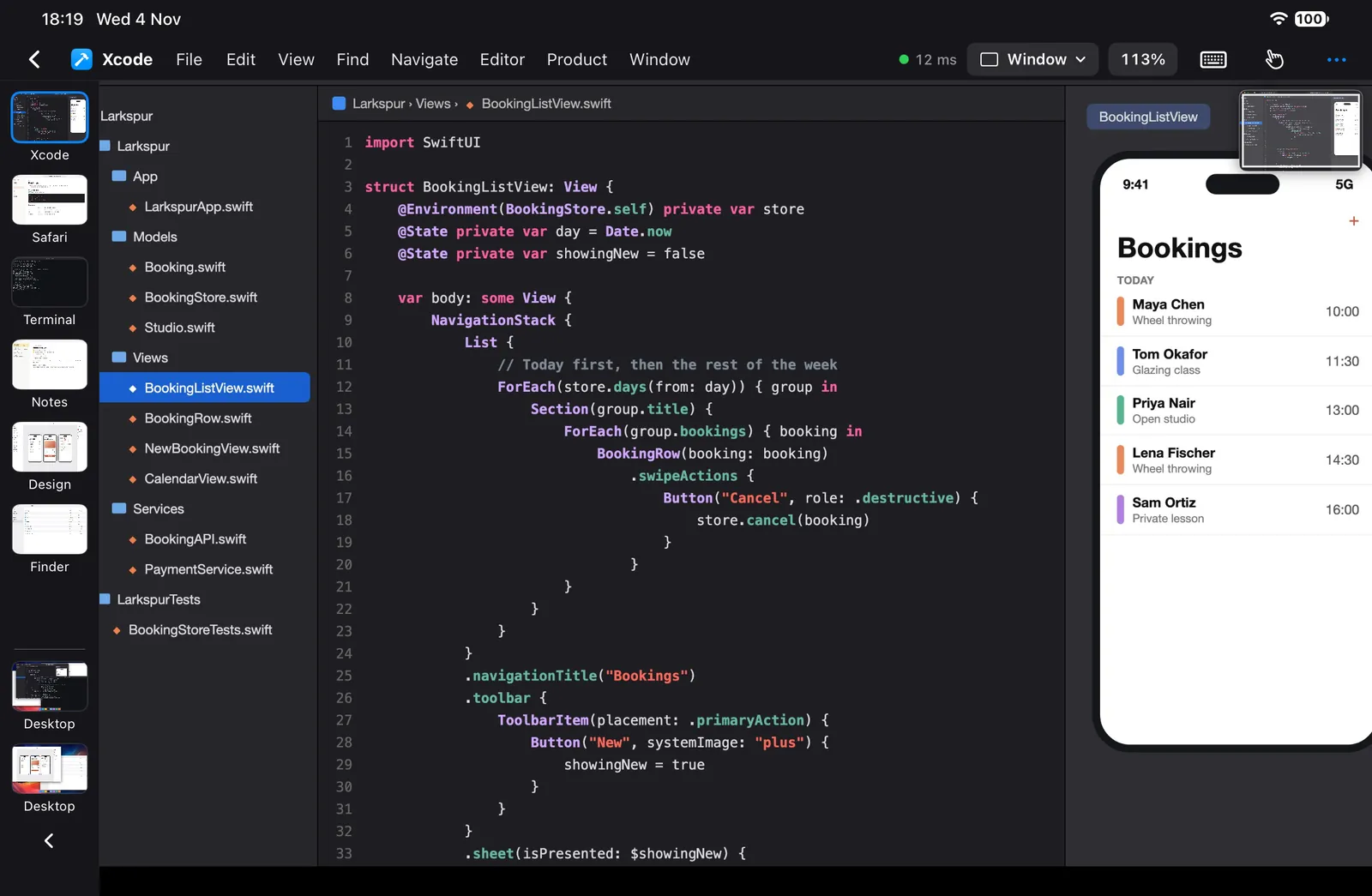
If you're using a hardware keyboard, you don't need the row, but it's there for Esc and F-keys if yours lacks them. Foldable keyboards often do. Xcode, Safari and Terminal have their own keys on the row. Every other app gets Undo, Copy, Paste and Save.
Zoom in as far as you need. The mini-map shows where you are.
Zoom into a window and a small preview of all of it appears top right, marking the part on screen. Drag on it to move around. It fades away when you stop.
For the small target you can't quite hit, long-press for a magnifier.
- Panelift needs iPadOS 26 or later.
- Your Mac has to be on, awake, logged in, unlocked and online.
- A wide window stays wide. Panelift zooms, it doesn't reflow, so narrower windows on the Mac are bigger on the mini.
- Free layout is landscape only. Four windows on a mini is possible. Whether it's wise is up to you.
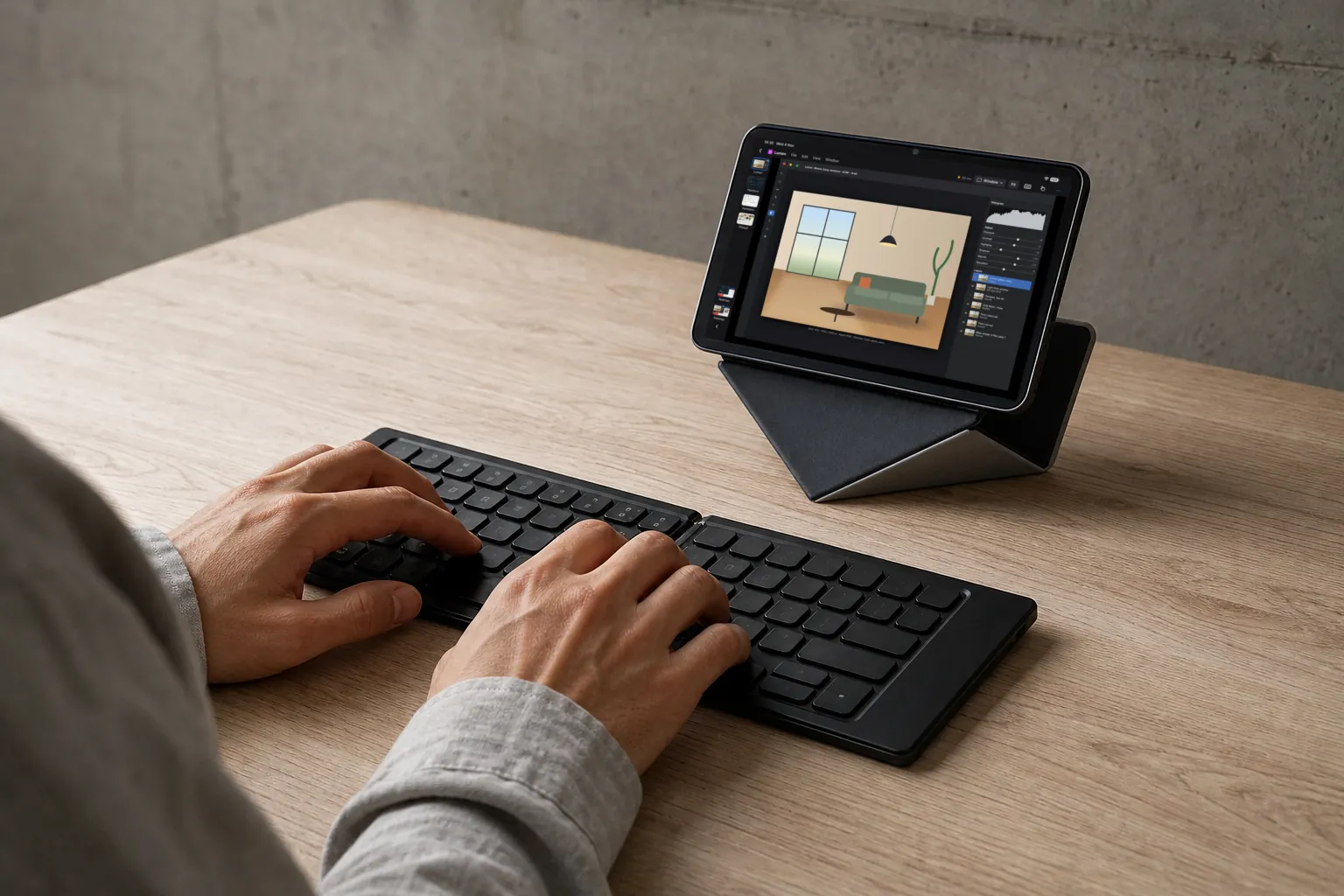
The smallest working setup we can think of
An iPad mini, a foldable keyboard and a case with a built-in stand.