 Panelift
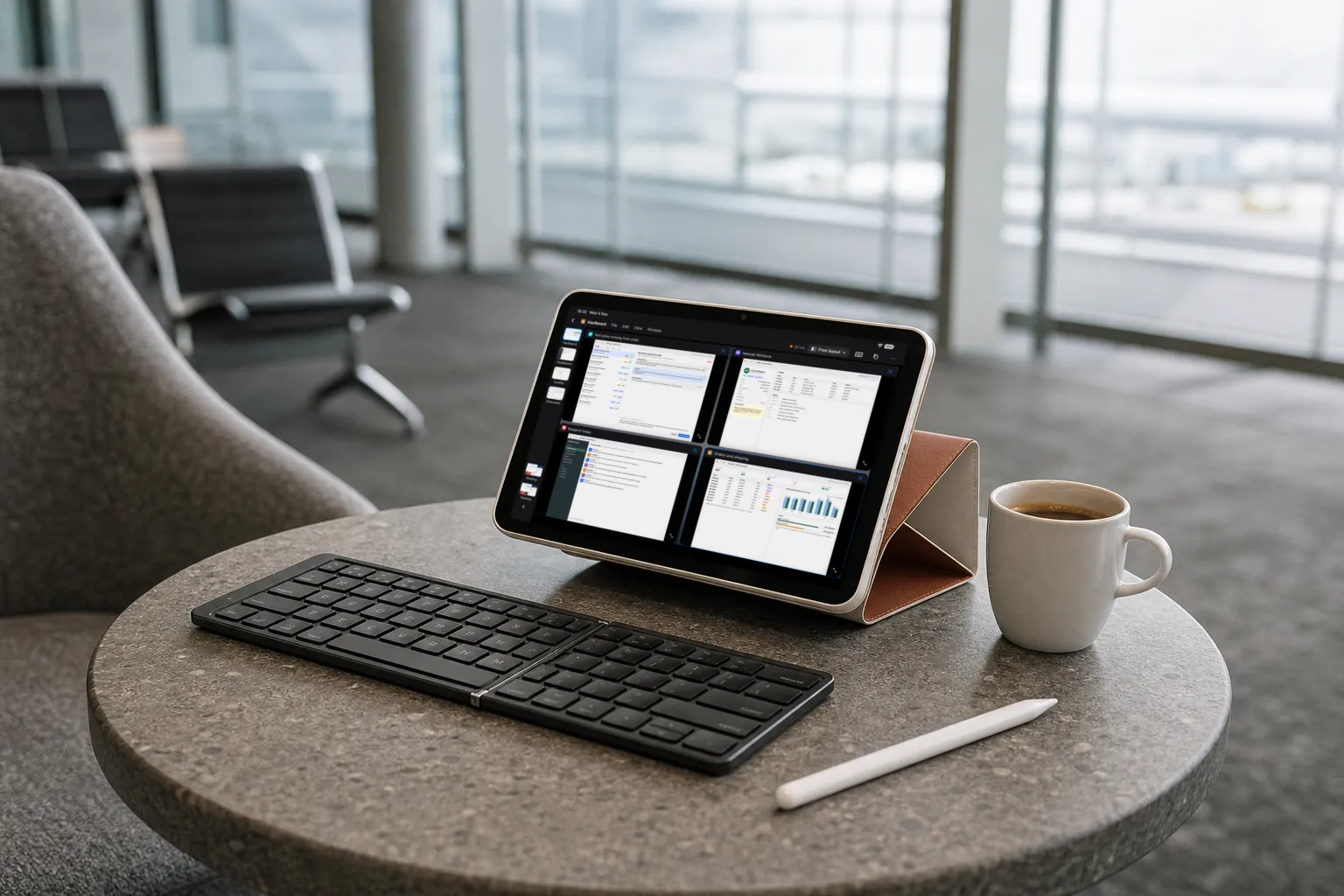
The smallest remote work setup we can think of
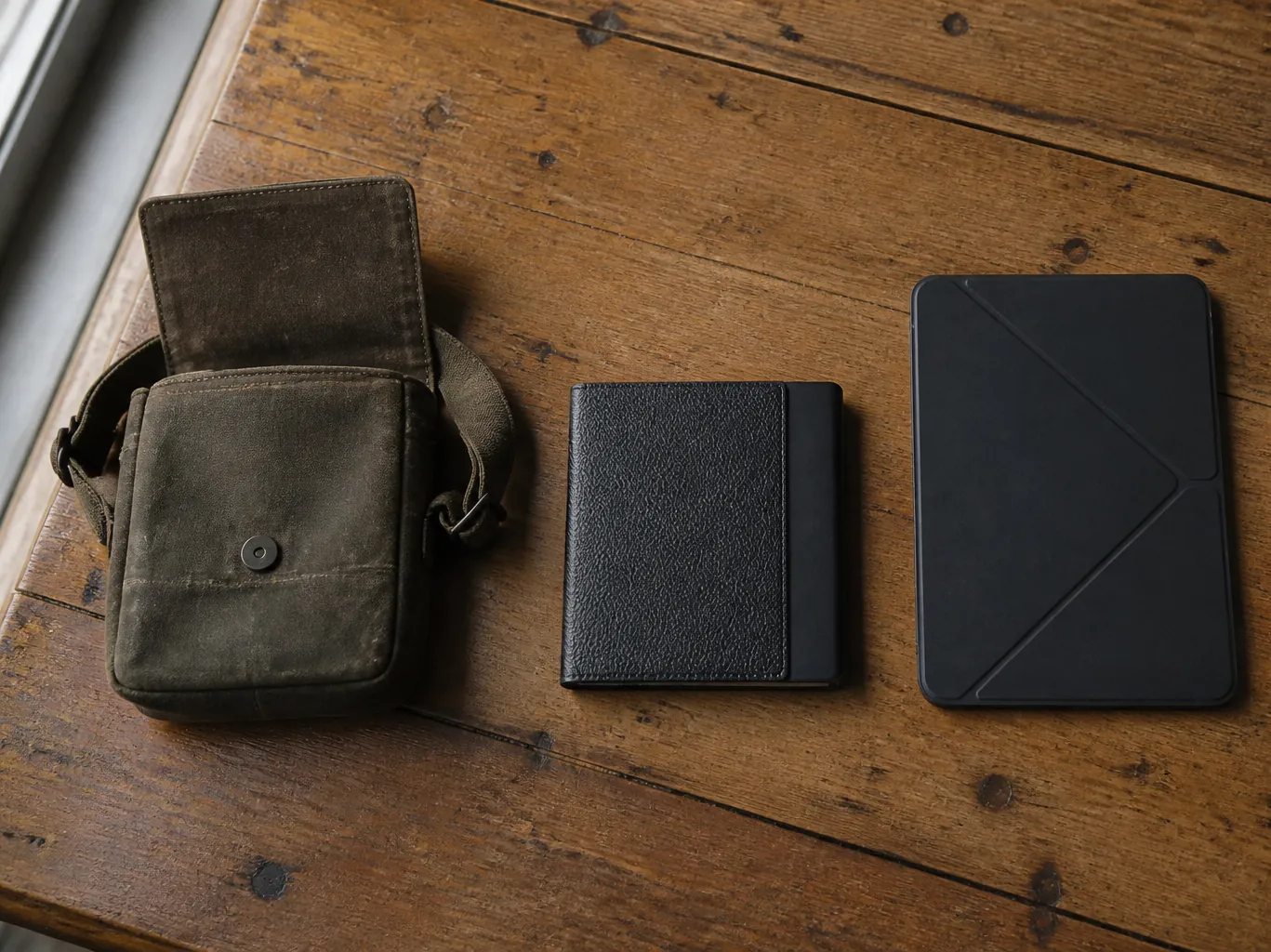
Three things in the bag, one thing at home. The heavy part of a laptop is the computer, so don't bring the computer.
The best remote working setup is the one you'll carry
A remote worker or digital nomad doesn't need a lighter laptop so much as a setup that still gets packed on day ten. If you have a Mac that can stay on somewhere and you're usually online, a small iPad, a foldable keyboard and a stand are enough to reach all of it.
A laptop carries its computer. This doesn't.
Your CAD drawing, your 40-tab browser, your 11 GB spreadsheet and your compile all stay on your Mac. What you carry is a screen and something to type on.
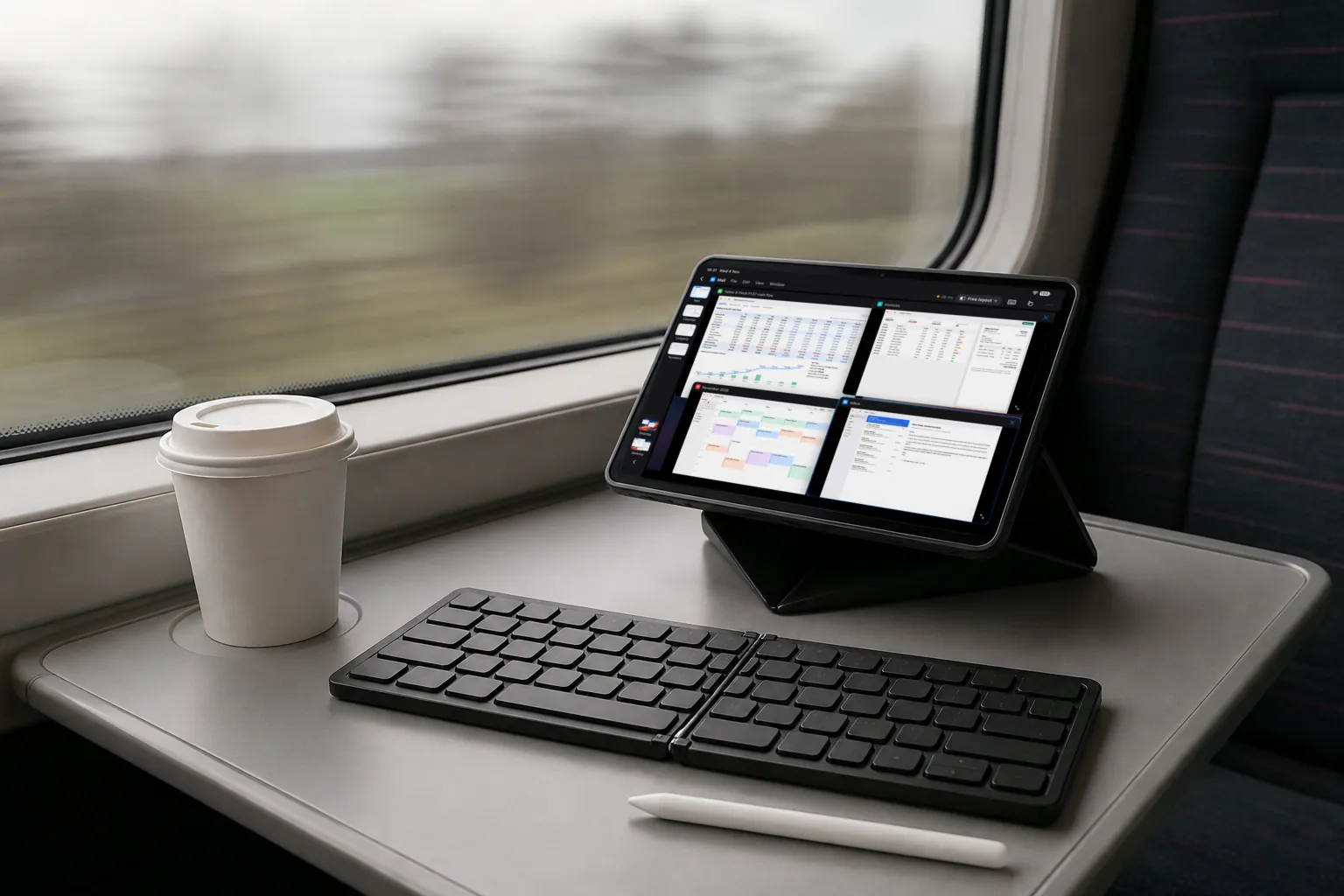
That only works if the screen is usable, and a small one usually isn't. Panelift gives the whole of it to one window at a time, so the 8.3 inches go to the thing you're looking at.
Four things
| Item | Its job | What to check |
|---|---|---|
| iPad mini | The screen you carry. 8.3-inch display, 293 g for the Wi-Fi model (A17 Pro, from Apple's specs). | Needs iPadOS 26 or later. A bigger iPad or an iPhone works too, with more or less room. |
| Foldable keyboard | Real typing. | Any Bluetooth keyboard that pairs with your iPad. Look for an Esc key and a usable ⌘. If it doesn't have them, Panelift's key row does. |
| Case with a built-in stand | Holds the screen upright so the keyboard gets the table. | Make sure it fits your exact model and folds flat. |
| Your Mac, at base | Does the work. | macOS 26 or later, with the Panelift app. On, awake, logged in, unlocked and online. |
Optional, and you'll know if you need them
- A small mouse or trackpad. Panelift supports hover, right-click, drag and two-axis scrolling.
- Apple Pencil. Handy for precise tapping, but it doesn't send pressure or tilt to the Mac.
- A USB-C to HDMI adapter. Turns a hotel TV into a monitor, if the TV agrees.
iPad mini specifications from Apple's technical specifications for iPad mini (A17 Pro). Weights vary by model.
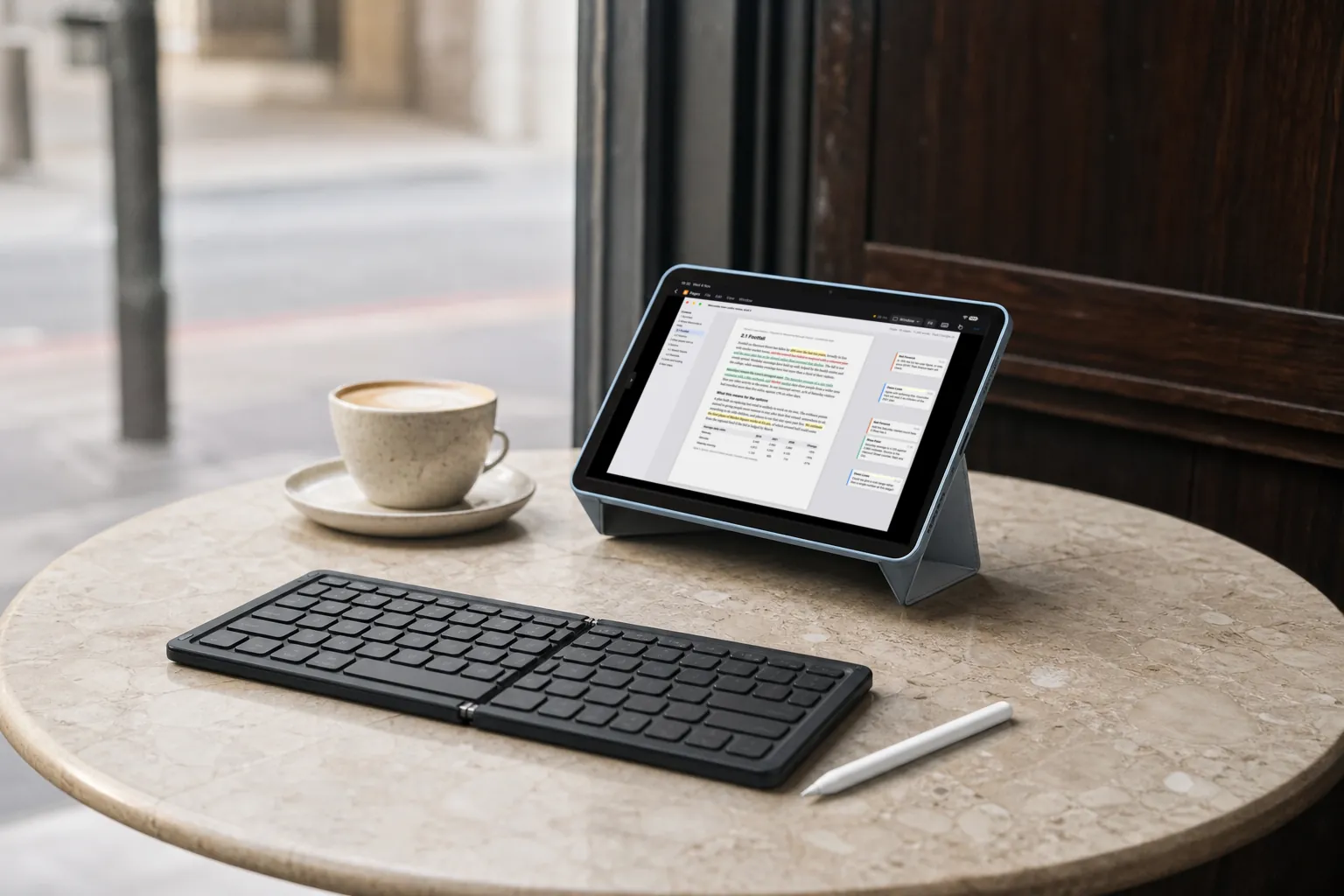
Places a laptop lid gets in the way
What's left behind has a job too
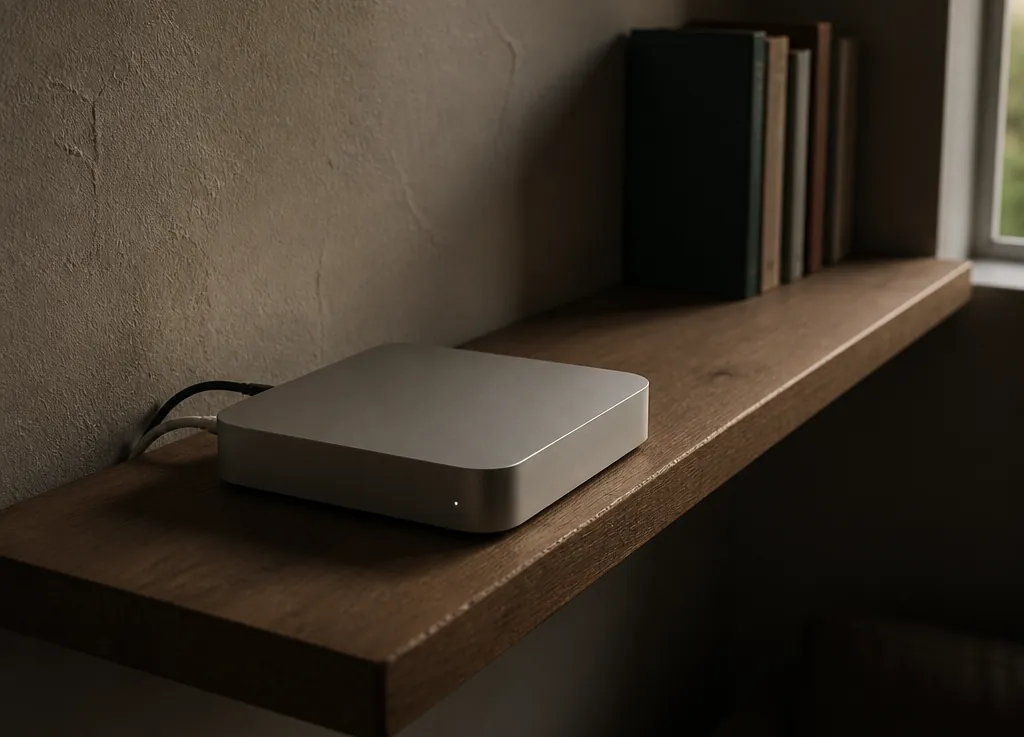
Bear in mind that anyone standing in front of that Mac can use it, and can see what you're doing on it. Choose the shelf accordingly.
Before you leave:
Leave the Mac on, somewhere with power and reliable internet.
A Mac mini on a shelf is ideal. A MacBook works too, but closing the lid normally puts it to sleep.
In Panelift's settings, turn on Open Panelift at login and Keep this Mac awake while sharing.
Stop the Mac locking itself.
Locking ends your session, and Panelift can't unlock it for you.
Test it away from your own Wi-Fi.
Use your phone's hotspot, from the end of the road. Do this before you're at the airport.
Good for this. Not for that.
Good for
- Spreadsheets, documents, plans, support queues, admin, code, checking something that's running, reaching the one app that only exists on your Mac.
Not for
- Nothing where a delay costs you: video editing, live trading, live sets, orbiting a 3D model. Anything needing sound, work with no connection, or moving big files between devices.
Leave the charger for the big one behind as well.
The iPad's own charger still comes with you.